



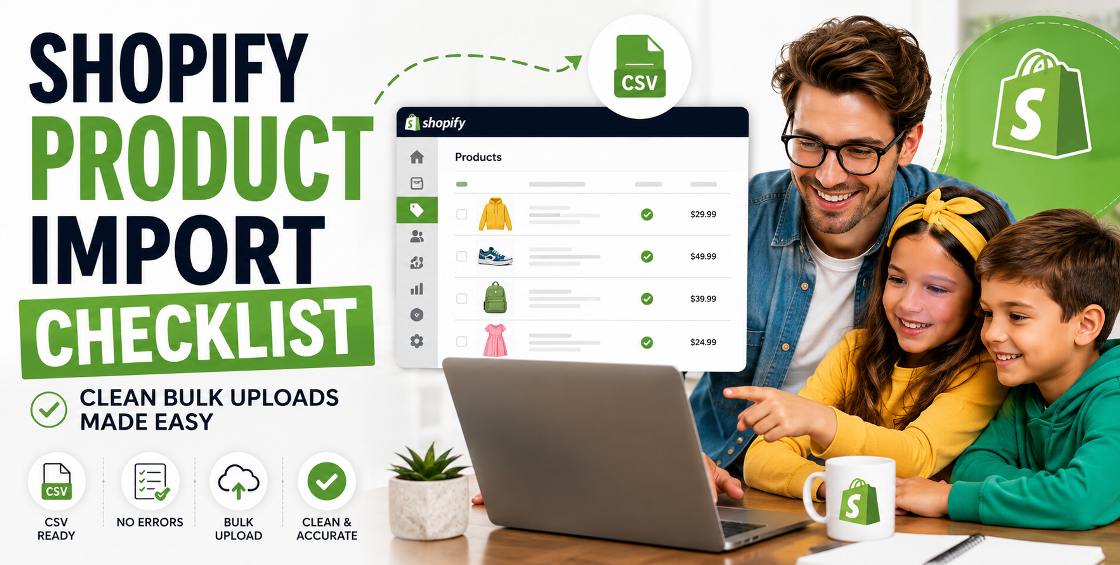
If you’ve ever tried uploading hundreds (or thousands) of products into Shopify, you probably know the feeling: everything looks fine in your CSV… until it isn’t.
Missing variants, broken images, duplicate SKUs, weird pricing shifts—suddenly what was supposed to be a “quick bulk upload” turns into a support ticket marathon.
We’ve seen this happen across new Shopify builds, replatforming projects, and even mature stores scaling into new markets. In most cases, the issue isn’t Shopify—it’s the preparation before the import.
That’s exactly why a solid Shopify product import checklist isn’t optional. It’s the difference between a clean launch and days of cleanup work after the fact.
Let’s walk through what actually matters when importing products at scale—and what experienced Shopify teams double-check before hitting upload.
Shopify product import checklist
A proper Shopify product import checklist isn’t just about formatting a CSV file. It’s about aligning your product data, store structure, and Shopify’s import logic before anything goes live.
Here’s how experienced ecommerce teams approach it.
Before anything touches Shopify, your CSV needs to be structurally correct.
Shopify is very specific about column formatting, and even small inconsistencies can break imports silently.
One real-world issue we see often: stores exporting from ERPs or PIM systems that introduce hidden commas or line breaks. Shopify reads those as new columns—and suddenly your variants are misaligned.
If you’re building your own system, always start with Shopify’s native CSV template and adapt outward, not the other way around.
Variants are where most imports start to fall apart.
If you’re managing size, color, material, or region-based pricing, Shopify expects a very specific structure.
A common mistake we see during migrations is brands treating variants like separate products. That leads to broken product grouping and messy storefront filtering.
If you're scaling internationally (US, UK, EU, GCC), variant logic becomes even more important because pricing and inventory often differ by region.
Images are another silent failure point.
Shopify doesn’t “guess” image relationships. It relies on exact CSV mapping.
One overlooked detail: Shopify will happily import broken image URLs without warning. You only discover it when your collection pages look half empty.
Pro tip from real store migrations: always test 5–10 products first before doing full bulk uploads.
This is where data errors become expensive.
If inventory or pricing is wrong in Shopify, it doesn’t just “look off”—it impacts real orders.
We’ve seen cases where ERP exports flipped pricing columns during export. The result? Premium products imported at clearance pricing overnight.
A 10-minute validation step here saves days of cleanup later.
Most people treat this as optional. It isn’t.
Shopify product imports often include SEO-relevant fields that directly impact search visibility.
If you’re migrating from WooCommerce, Magento, or a PIM system, expect formatting issues in description fields—especially bullet points and embedded links.
Before uploading anything into Shopify:
This step is where experienced Shopify teams separate “uploaders” from “operators.”
After handling multiple large-scale Shopify migrations, a few patterns show up consistently:
One thing we always recommend is treating your first import like a production rehearsal, not a final step.
These issues usually don’t show up immediately—they appear once collections, filters, and search start behaving unpredictably.
A successful Shopify store doesn’t start with design—it starts with clean data.
A structured Shopify product import checklist ensures your catalog behaves the way your business expects: predictable, scalable, and easy to manage across regions.
Whether you’re launching a new store or migrating thousands of SKUs, the real win is consistency. Once your product data is clean, everything else—SEO, UX, and conversions—gets easier.

Our Trusted Clients
















Our goal is to help our companies maintain achieve best class positions their respective industries & our team works occur that pleasures have to be repudiated.

Copyright © MyShopifyExpert . All rights reserved.