




Many Shopify store owners focus heavily on marketing, advertising, and website design, yet overlook one of the most important factors behind a successful ecommerce business: accurate product data.
We've worked with Shopify stores that had thousands of products and discovered issues ranging from duplicate SKUs and incorrect pricing to missing product variants and broken inventory tracking. In most cases, these problems weren't caused by Shopify itself. They were caused by inconsistent product data entry.
Whether you're launching a new Shopify store or managing a large product catalog, having a structured product data entry process can save countless hours, reduce customer complaints, and improve conversion rates.
This Shopify Product Data Entry Guide covers everything business owners need to know to maintain a clean, organized, and scalable product catalog.
Product data is the foundation of every ecommerce store.
When product information is incomplete or inaccurate, customers struggle to make buying decisions. Search engines also have difficulty understanding and ranking product pages.
Accurate data entry directly impacts:
Even a small mistake in a product title, variant option, or SKU can create fulfillment issues and customer dissatisfaction.
The title should clearly describe the product while including important search terms.
Good: Men's Waterproof Hiking Jacket – Black
Poor: Jacket Model XJ100
Descriptions should focus on benefits, specifications, and buying confidence.
Include:
Avoid copying manufacturer descriptions word-for-word whenever possible.
High-quality product images help improve conversions significantly.
Best practices:
Many Shopify catalog issues occur during variant creation.
Examples include:
Incorrect variant setup often leads to inventory mismatches and customer confusion.
Every product should have a unique SKU.
A structured SKU system helps with:
One common issue we see during bulk imports is duplicate SKU assignment, which can create inventory synchronization problems across sales channels.
Manual uploads work well for:
Advantages:
Disadvantages:
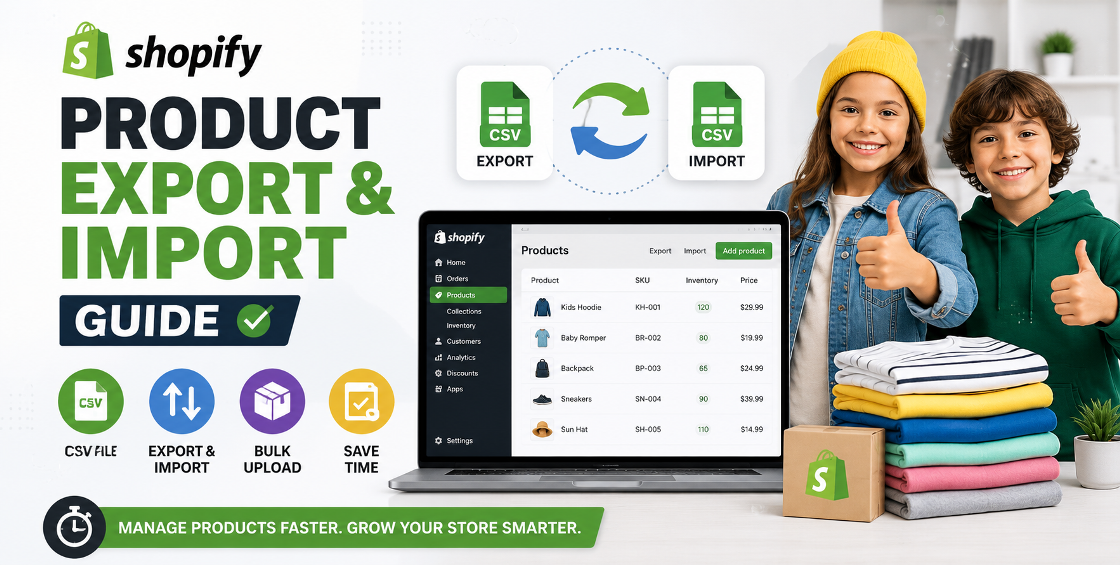
For stores with hundreds or thousands of products, CSV imports are essential.
Benefits include:
However, CSV imports require careful validation before uploading.
Common issues include:
A single formatting mistake can affect hundreds of products at once.
Before entering products, gather:
Creating a master spreadsheet reduces future inconsistencies.
Maintain consistency across:
Consistency improves both store organization and customer experience.
Search-friendly content helps products rank better.
Focus on:
Avoid keyword stuffing.
Double-check:
Incorrect variant structures are among the most common Shopify catalog errors.
Ensure:
Product images often influence purchasing decisions more than product descriptions.
Always verify:
A final quality review helps prevent costly mistakes.
Document standards for:
This is especially useful when multiple team members manage the catalog.
Templates reduce repetitive work and improve consistency.
Templates are particularly valuable for:
Regular audits help identify:
Large catalogs should be reviewed periodically to maintain accuracy.
One misplaced column in a CSV file can affect hundreds of products.
Always validate import files before uploading.
Variant-related errors account for a significant portion of Shopify catalog issues.
Careful review during setup prevents future inventory complications.
Strong SEO doesn't begin with backlinks.
It starts with:
Good product data helps search engines understand your store more effectively.
Duplicate SKUs can cause inventory and fulfillment issues.
Different naming styles make catalog management difficult.
Maintain a standardized format.
Tags improve filtering, navigation, and store organization.
Rushing product uploads often leads to customer-facing errors.
Implement a review process.
Incorrect variant structures can affect both customer experience and inventory accuracy.
Always test products before making them live.
Effective Shopify product data entry is about much more than adding products to a store.
It directly influences customer experience, search visibility, inventory accuracy, and operational efficiency.
Businesses that invest time in maintaining clean, structured, and accurate product data often experience fewer operational issues and better long-term scalability.
Whether you're managing 100 products or 100,000, establishing a reliable Shopify product data entry process is one of the smartest investments you can make for your ecommerce business.




Our Trusted Clients
















Our goal is to help our companies maintain achieve best class positions their respective industries & our team works occur that pleasures have to be repudiated.

Copyright © MyShopifyExpert . All rights reserved.