



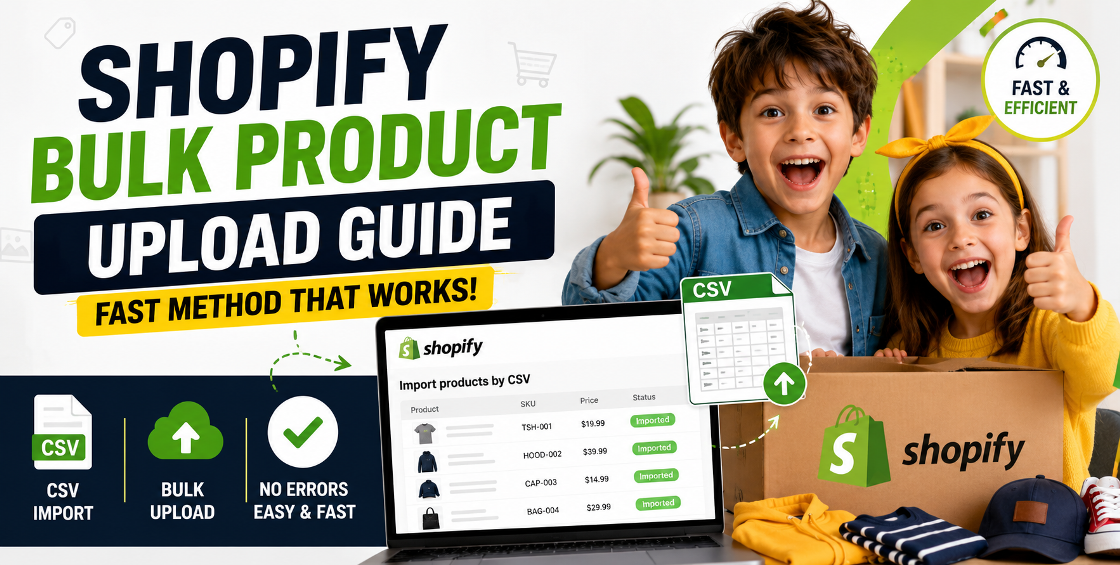
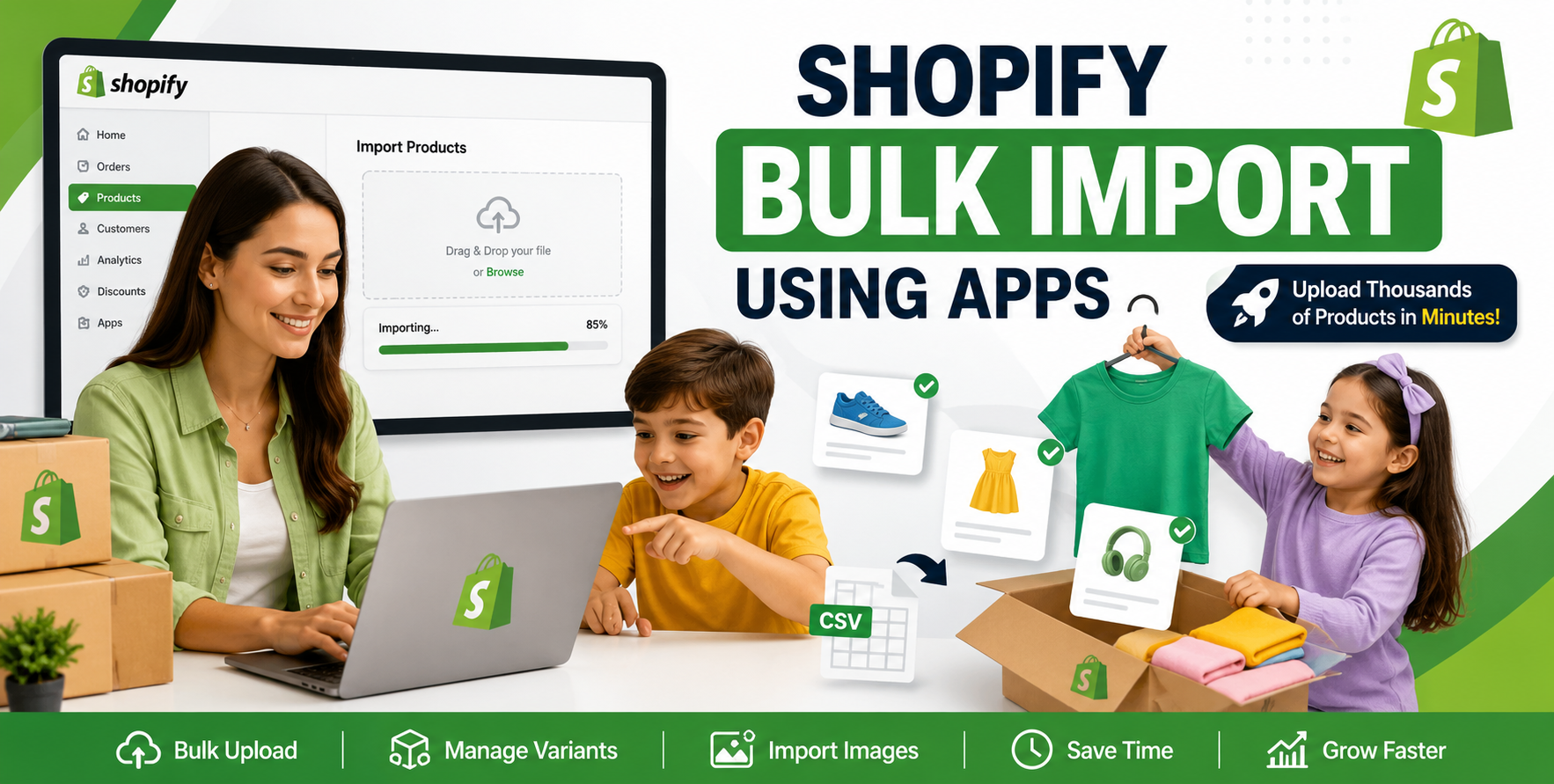
If you’ve ever tried uploading hundreds (or thousands) of products into Shopify manually, you already know the truth—it looks simple until you’re deep inside a CSV file wondering why half your variants disappeared or your images didn’t attach correctly.
We’ve seen it across U.S. fashion brands scaling from WooCommerce, UK wholesalers migrating legacy catalogs, and Gulf-region retailers launching large seasonal collections: bulk product uploads are where most Shopify setups quietly fall apart.
Not because Shopify is bad. But because product data is rarely clean, consistent, or Shopify-ready.
The good news? Once you understand the fast method used by experienced Shopify teams, bulk uploads stop being a headache and start becoming a scaling advantage.
This guide walks you through exactly how professionals handle Shopify bulk product upload workflows—without breaking your store or losing hours fixing CSV errors.
The fastest and most reliable method isn’t “just use the Shopify CSV template.” That’s where beginners start—and where problems begin.
The professional approach follows a 3-layer system:
This is how agencies handling 10,000+ SKU catalogs avoid chaos.
Before touching Shopify’s import tool, your data must be structured correctly.
If your spreadsheet is messy, Shopify will faithfully import the mess.
This step alone can reduce import errors by 60–70%.
Shopify provides a CSV template, but in real-world migrations, we rarely use it as-is.
Instead, we restructure it for scale.
This is where bulk uploads usually fail for growing ecommerce stores in Australia, UK, and the U.S.—not because of scale, but because of structure.
Here’s the method used in production Shopify environments:
If something breaks here, scaling will only multiply the issue.
Go to: Products → Import → Upload CSV → Review mapping carefully
Never skip the mapping step. Shopify sometimes misreads columns when files are edited in Excel instead of Google Sheets.
Most teams stop after import. That’s a mistake.
If you're targeting global markets (US, UK, EU, GCC), localized naming can also improve conversion significantly.
After handling Shopify migrations for scaling brands, here’s what separates smooth launches from chaotic ones:
Shopify bulk product upload isn’t about uploading faster—it’s about structuring smarter.
Once your product data is clean, your CSV is properly structured, and your import process is controlled in batches, scaling becomes predictable instead of stressful.
Most brands don’t struggle with Shopify. They struggle with messy data and rushed uploads.
Fix that, and everything else becomes significantly easier.

Our Trusted Clients
















Our goal is to help our companies maintain achieve best class positions their respective industries & our team works occur that pleasures have to be repudiated.

Copyright © MyShopifyExpert . All rights reserved.