




If you’ve ever tried uploading 20, 200, or even 2,000 products into Shopify manually, you already know how quickly things can get messy.
At first, it feels simple—add a product, drop in images, set pricing, save, repeat. But as your catalog grows, that “simple process” turns into a full-time bottleneck. Variants get inconsistent, images mismatch SKUs, and someone on the team accidentally overwrites inventory that was already synced.
On the flip side, bulk uploads sound like a dream… until your first CSV import throws 47 errors and Shopify refuses to tell you exactly what went wrong in plain English.
This is exactly where most ecommerce teams get stuck: manual vs bulk upload in Shopify—which one actually works in real-world store operations, not just tutorials.
We’ve managed Shopify catalogs ranging from small boutique stores to large wholesale setups with thousands of SKUs. And the truth is, the “best method” depends less on theory and more on how your business actually runs day to day.
Let’s break it down properly.
Manual upload means adding products directly inside the Shopify admin dashboard. You fill in:
It’s straightforward, but it doesn’t scale well.
Where it actually works:
Where it starts breaking:
One overlooked issue we often see: inconsistent product formatting. When multiple team members upload manually, product titles, tags, and SEO fields start varying slightly—which quietly affects search performance over time.
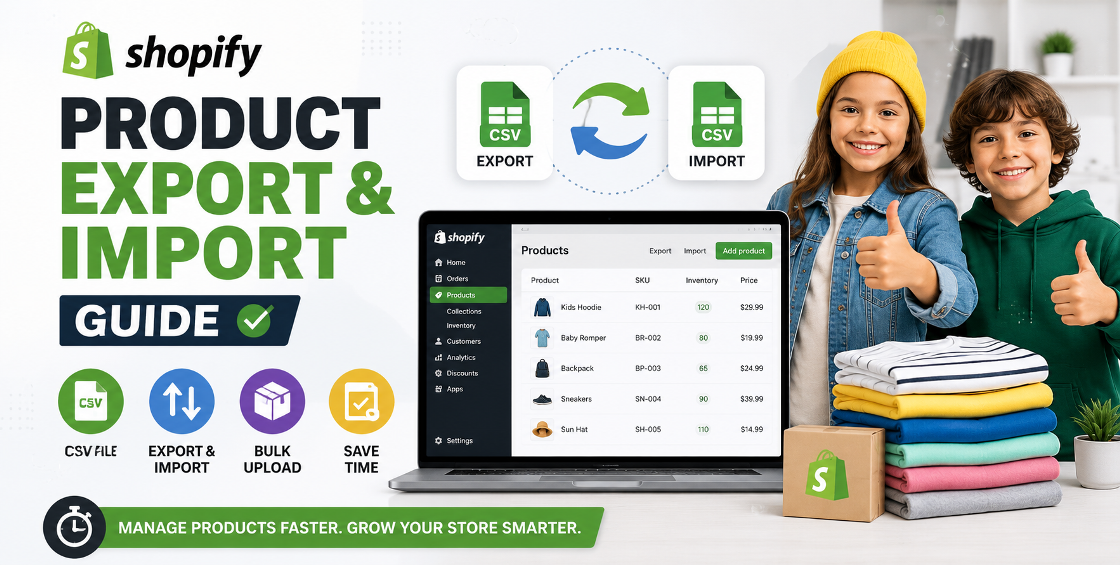
Bulk upload uses Shopify’s CSV file system to upload or update products in batches.
You typically manage:
This method is powerful—but unforgiving.
Where it works best:
Where it struggles:
One real-world insight: most “failed imports” we’ve fixed weren’t Shopify’s fault—they were caused by inconsistent Excel formatting or hidden characters copied from other systems.
Manual upload gives you full control but is slow. Bulk upload is fast but requires discipline.
If you're uploading:
Manual upload errors are easy to fix—you see them instantly.
Bulk upload errors are trickier:
This is where most store owners miss the bigger picture.
Manual uploads often lead to:
Bulk uploads, when structured properly, allow:
We’ve seen the same issues repeatedly across Shopify builds:
Excel or Google Sheets often auto-format:
Shopify requires strict formatting for variants. One wrong column and your size/color combinations collapse into chaos.
Trying to upload 5,000 products in one CSV sounds efficient—but usually leads to partial imports and debugging nightmares.
We rarely recommend “pure manual” or “pure bulk.”
Instead:
Jumping straight into a full catalog import is one of the fastest ways to break product listings.
Bad handles = bad SEO URLs. Once set incorrectly, fixing them at scale becomes painful.
This leads to duplicate SKUs, inconsistent pricing, and inventory sync issues.
If your spreadsheet is messy, Shopify will simply reflect that mess in your store.
Large, uncompressed images slow down product pages—directly affecting conversions.
The truth is simple: there is no universal winner in Shopify bulk product upload vs manual upload.
Manual upload works best when precision matters more than speed. Bulk upload wins when scale becomes the priority.
But in real ecommerce operations, the strongest approach is usually a combination of both—structured bulk uploads followed by selective manual optimization.
If your store is growing, your product management strategy should evolve with it. What works at 20 products will not survive at 2,000.
Getting this right early can save hundreds of hours and prevent long-term catalog issues that are painful to fix later.




Our Trusted Clients
















Our goal is to help our companies maintain achieve best class positions their respective industries & our team works occur that pleasures have to be repudiated.

Copyright © MyShopifyExpert . All rights reserved.